
Make-ready for AppFolio users: faster unit turns in Lula’s 12 staffed metros
How Lula’s field managers turn vacant units, and how progress shows up in AppFolio.

Head of Marketing · Updated November 2026 · 16 min read
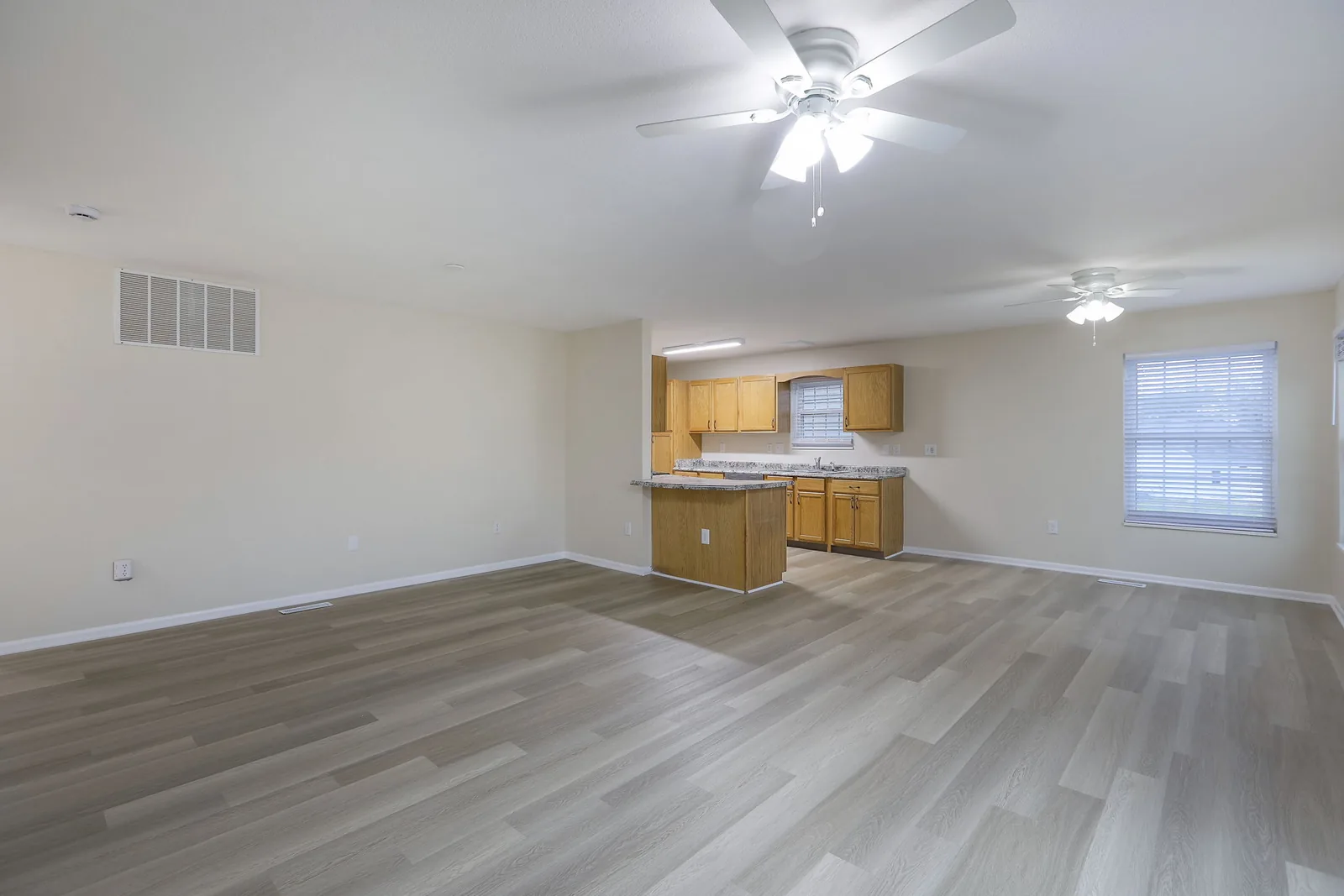
Move-out walk
Photos and scope
Scope approved
A flat-rate quote
Make-ready
Paint, clean, repair, punch list
Rent-ready
Final photos for listing and owner
Staffed metros
Lula’s Make-Ready service turns vacant units on a scope you approve, with progress notes on the AppFolio work order and photos in the Lula Customer Portal. It is available only in metros where Lula staffs a W-2 field manager; elsewhere, Lula Pros handle individual turnover repairs as normal work orders.
Key takeaways
Where turns slip when you run them yourself
Every vacant day is rent you aren’t collecting. On a $1,500 rental, that’s about $50 a day. Zego’s 2026 report puts the average apartment turnover at $3,976 per move-out, and our breakdown of what a make-ready costs shows lost rent is the part that climbs as a turn drags on.
Most of that drag is waiting. A standard turn often needs two to three days of hands-on labor, while the calendar usually runs two to three times longer. Our guide to how long a make-ready takes calls the gap coordination lag: the dead time between trades. The flooring crew arrives to wet paint, and everything behind it moves back.
On AppFolio, each of those Pros is also a vendor to maintain, with a W-9 to collect, insurance certificates to track and a 1099 to file. Here’s how that changes when Lula runs the turn.
| Area | Without Lula | With Lula |
|---|---|---|
| Who owns the make-ready | Six separate Pros, each managed by you | A W-2 employee in your market |
| Pricing | Quotes across different price models | A flat-rate quote, itemized by line |
| Schedule | A late crew delays everyone after it | A sequenced multi-trade schedule |
| Handover | Punch lists bounce back at move-in | A walkthrough before handoff |
What a Lula make-ready includes

A standard make-ready covers a deep clean, interior paint, carpet cleaning or replacement, an appliance check and a walkthrough before handoff. Flooring, fixtures, drywall and HVAC filters are priced as line items when the unit needs them.
Scope is set unit by unit at the walk, so what you approve matches what that vacancy needs. Lula runs make-readies for scattered single-family portfolios and for multifamily properties. New to the term? Start with what a make-ready is, or keep the make-ready checklist handy.
Make-ready or repair work order?
The two run differently, so it helps to know which one you’re sending. A make-ready is triggered by a move-out and covers the whole unit against a vacancy clock. A repair comes from a resident in the home and usually covers a single issue.
| Make-Ready | Repair work order | |
|---|---|---|
| Starts with | A resident moving out | A resident reporting a problem |
| Scope | The full unit, set at the walk | A single repair |
| Run by | A W-2 field manager in your market | Lula, with a Lula Pro for each trade |
| Available in | 12 staffed metros | 50+ US markets |
Who runs the turn
Your turn has a single owner: a full-time Lula employee who lives in your market. That field manager walks the unit, builds the punch list, sources and schedules vetted local Lula Pros, supervises the work and does the final walk.
You deal with that person instead of six contractors. Because they’re a W-2 employee on the ground, Make-Ready only runs where Lula has hired one, which is why it covers fewer markets than the rest of Lula’s service.
How a turn runs with AppFolio
You keep working in AppFolio while the make-ready moves through four stages. Here’s an example of how a make-ready can run, and what you’ll see on the work order.
Day 0: Scope the unit
Your field manager walks the unit and builds a complete punch list with flat-rate pricing before any work starts.
In AppFolio: a note confirms Lula has the work order.
Day 1: Approve the quote
You get a single consolidated quote to approve, adjust or trim down through the Lula link.
In AppFolio: a note links to the quote, and it also appears as an Estimate if you turn that on.
Days 2 to 5: Coordinate the trades
The Pro team works in sequence, and the schedule stays with your field manager.
In AppFolio: the status moves to Scheduled. Each trade posts its own note, and the work order stays Scheduled until the whole turn is done.
Day 6: Walk before handoff
A final walk checks the unit against the punch list. Anything off gets fixed before it comes back to you, along with a sign-off report itemizing the completed scope.
In AppFolio: the status moves to Work Completed.
Photos and the full job record stay in the Lula Customer Portal, linked from the work order, ready for your listing and your owner. Invoices aren’t sent into AppFolio.
How long a turn takes
4 to 6 days
Average Lula make-ready
7 to 10 days
Larger scopes, like full flooring or full paint
May to August
Peak leasing season, when vendor calendars are fullest
The scope you approve sets the timeline, and flooring and appliance lead times are usually what stretch it. Sequencing the trades tightly is how the idle days between jobs come out.
Your scope matters more than anything else on the calendar. These are the industry ranges for a full turn from move-out to rent-ready:
| Turn | Typical scope | Typical timeline | What usually holds it up |
|---|---|---|---|
| Light | Deep clean, touch-up paint, minor repairs | 3 to 5 days | Vendor availability |
| Standard | Wall repaint, deep clean, plumbing fixes, small drywall patches | 5 to 10 days | Coordination between trades |
| Heavy | Full repaint, flooring replacement, appliance work, larger repairs | 10 to 21 days | Material lead times |
Portfolio type changes the delay, too. Scattered single-family homes carry more travel, so a missed window can cost a full trip. In multifamily, trades are closer at hand, but units coming due together stretch the same crews across all of them.
How to set up a faster make-ready
A few decisions on your side take days off the calendar before anyone arrives at the property.
Start at notice
Waiting until the unit is empty gives up the two to four weeks of lead time a notice period already gave you. Use that window to line up the walk and flag the bigger items.
Sort out approvals early
A repair that needs owner sign-off can sit idle for days. Agree on a spending threshold with each owner before the quote arrives, so you can approve it quickly.
Use the vacancy for replacement work
A vacant unit is the cheapest time for proactive replacement work, with full access and no resident to schedule around. Add it to the scope at the walk.
How pricing works
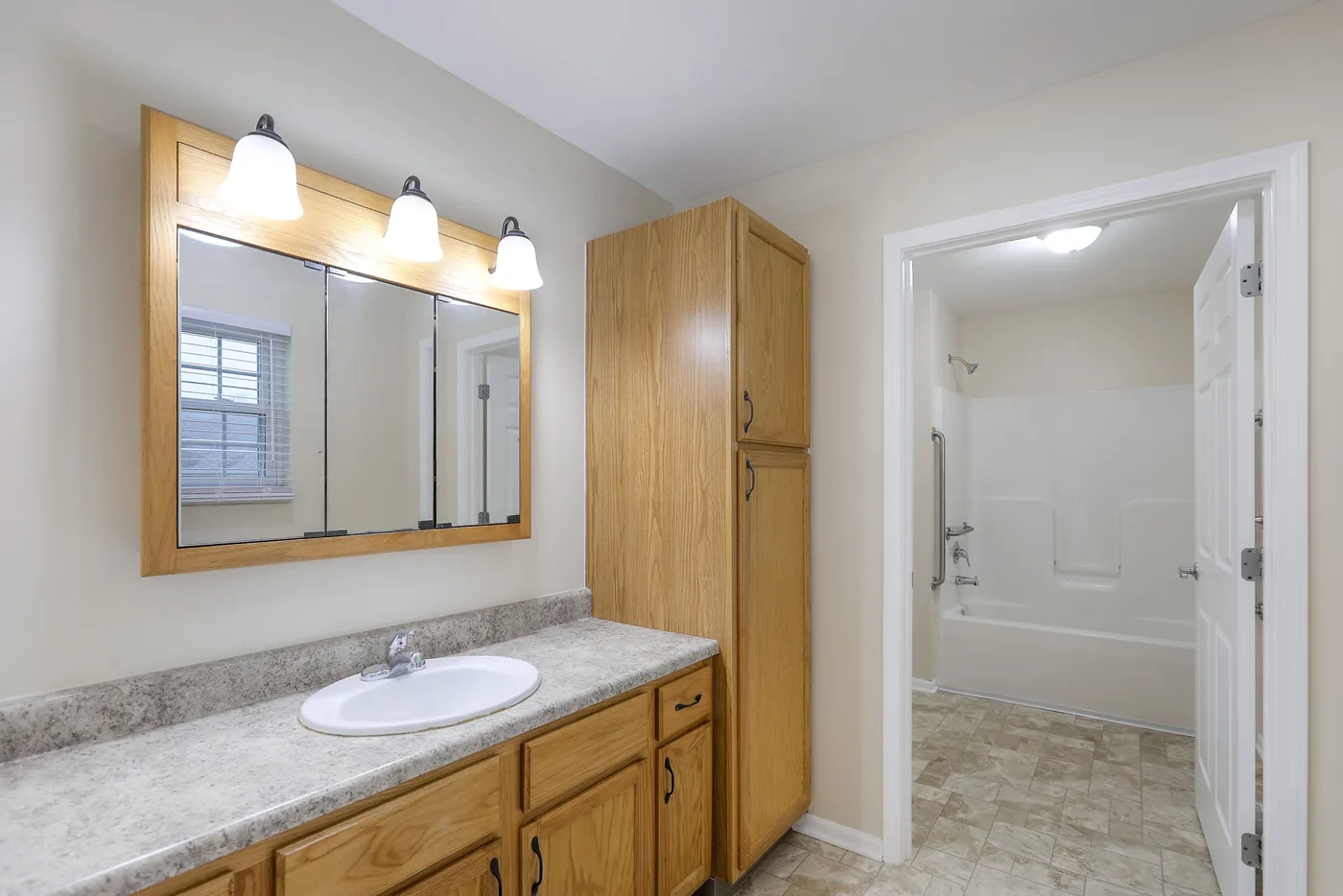
Standardized jobs carry a flat rate that holds in every market, so the same job costs the same in Houston or Indianapolis. Materials, supplies and hauling are included, and there are no coordination fees or property management fees. Your quote lists each job with its price, so you see the full turn cost before approving. See how Lula’s flat rates work.
Where Make-Ready is available
Make-Ready is staffed in Atlanta, Cincinnati, Cleveland, Columbus, Dallas-Fort Worth, Dayton, Houston, Indianapolis, Kansas City, Oklahoma City, St. Louis and Tulsa. Each market page introduces the field manager who runs turns there.
Outside these metros
In your other markets, assign individual turnover repairs to the Lula vendor as normal work orders, and a Lula Pro handles each one. The Maintenance Coordination guide covers how that works.
Frequently asked questions
Is there a cost for using Lula with AppFolio?
There’s no additional subscription cost to use Lula with AppFolio, and no setup fee. You will need a signed agreement with Lula, which doesn’t change your AppFolio subscription.
Can we change the scope before work starts?
Yes. You can adjust the scope or trim it down before you approve the quote, and nothing starts until you do.
Can we use Make-Ready on some units and keep our own vendors for others?
Yes. Lula only sees work orders assigned to the Lula vendor. Everything else stays with your team.
What happens if something is missed?
Anything that falls short of Lula’s standards at the final walk gets resolved before the unit comes back to you.
Nate Smoyer is Head of Marketing at Lula. He has dedicated his career to working in proptech, delivering technology to real estate investors, operators, and managers. Outside of his career, he enjoys ultra running through the forest and riding motorcycles.
Make-Ready for AppFolio
See it running on your own AppFolio work orders.
AppFolio work order · 46 Cedar Ln
Calls your team made: 0

Lula & AppFolio Integration Interest Form
