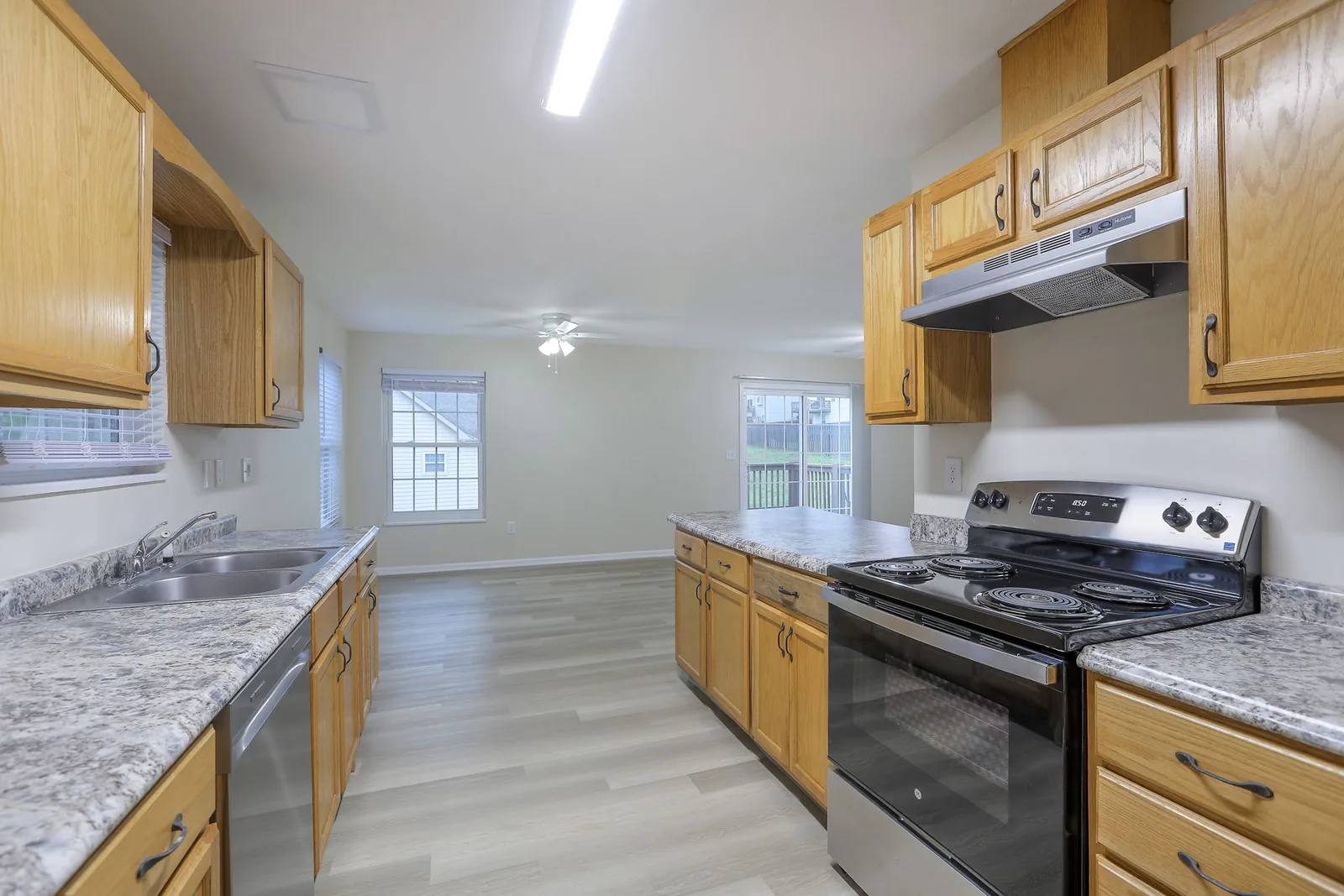

Assign any AppFolio work order to Lula in one click.
Select Lula as the vendor on the work order and Lula takes it from there: reviewing it, scheduling one of 9,000+ licensed, insured Lula Pros across 50+ markets, and adding a note to the work order at every step. You keep working in AppFolio.
Note · 9:15 AM
Lula receives it
Scheduled · 11:30 AM
A Lula Pro is scheduled
Work Completed · 3:42 PM
Fixed, then checked
The network behind your work orders
9,000+
vetted, licensed and insured Pros
50+
US markets covered
26,000+
5-star tenant reviews
How the integration works
Your maintenance stays in AppFolio
Residents submit maintenance requests just as they do today, you assign it to Lula or let automatic assignment do it, and every update lands on the work order in AppFolio: the status at key moments, and a note for everything in between. No checking two systems to see where a job stands.
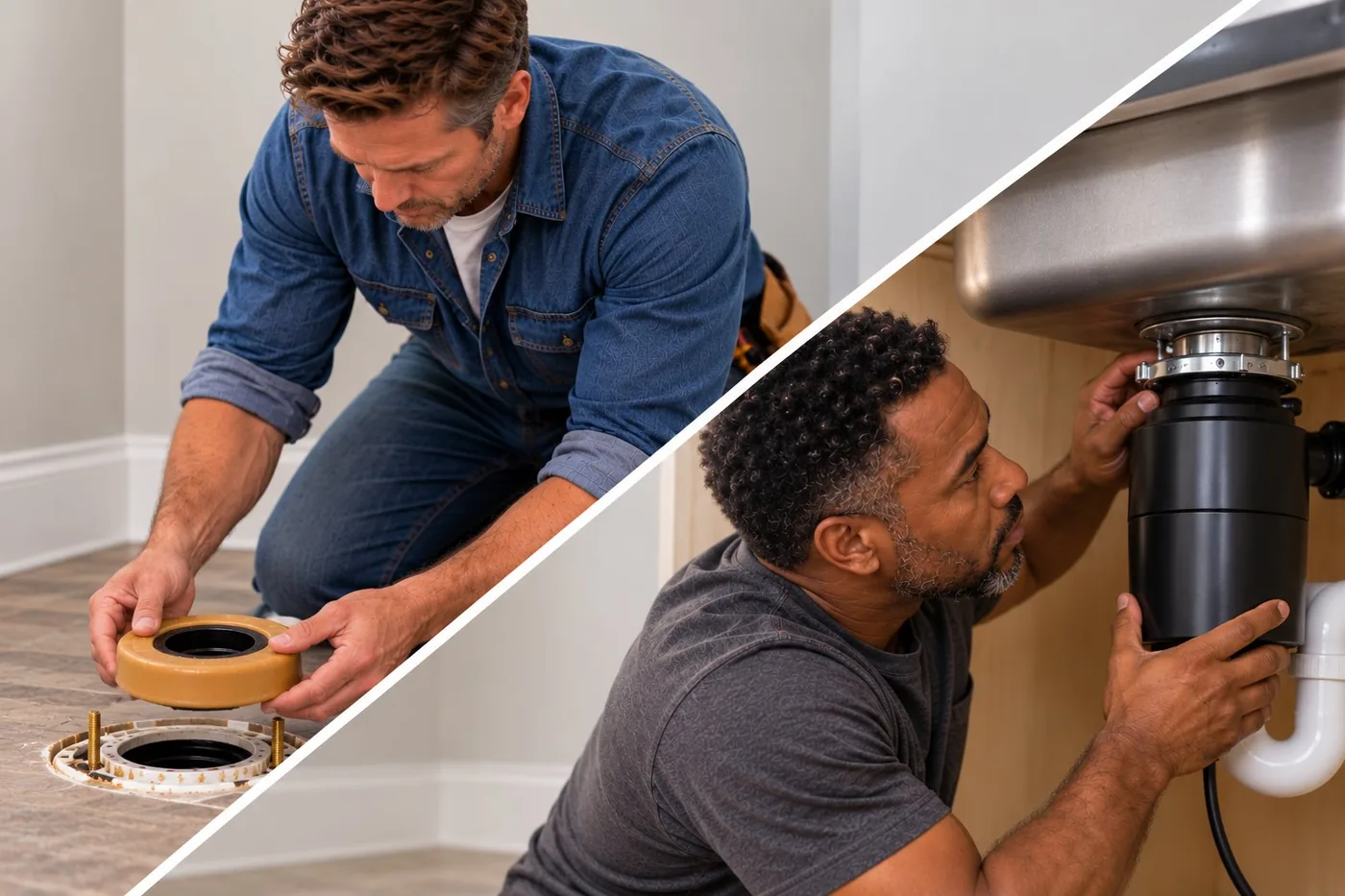
AppFolio work order · 46 Cedar Ln
Garbage disposal not working
Work Completed
Work order created, then assigned to the Lula vendor · Your team
Note: Lula is reviewing it, with an update within 2 hours · Lula
Note: your Lula job ID and Customer Portal link · Lula
Status Scheduled, with start and end times · Lula
Note: the Pro is on site · Lula Pro
Status Work Completed after Lula’s quality review · Lula
Calls your team made: 0
Why AppFolio teams add Lula
Lula has you covered
Your team keeps the work it does best. Lula picks up overflow, specialty trades and after-hours jobs with vetted, licensed and insured Pros in your area, ready to go day or night, on weekends and holidays. Every job is recorded in AppFolio.
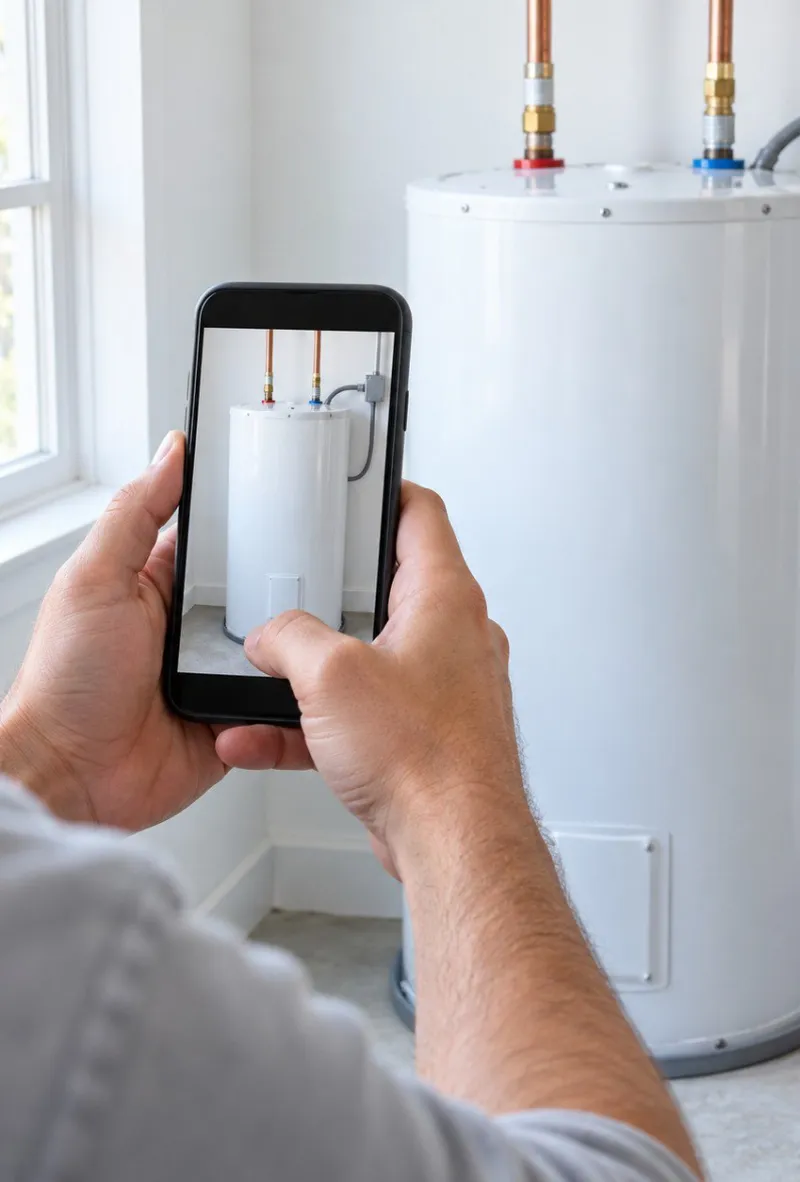
Every job checked before it closes
Lula’s quality team reviews each Pro’s notes and photos before the work order moves to Work Completed, so what you send owners matches what happened at the property.

An update within 20 minutes on emergencies
Every work order gets a note the moment Lula receives it, then an update within 20 minutes on emergencies or within 2 hours on everything else.

Nights and weekends, covered
Turn on automatic assignment and the resident requests you choose, in the hours you choose, go to Lula without anyone assigning them.
Setup
Connect in about two minutes
You turn Lula on from the AppFolio Stack™ Marketplace inside your own AppFolio account. There are no passwords or API keys to share, and Lula adds itself as a vendor.
1
Search “marketplace”
In the Search AppFolio bar, type marketplace and open AppFolio Stack™ Marketplace.
2
Find Lula
Search for Lula and click the Lula tile.
3
Click Edit
Scroll to Connection Settings and click Edit.
Save
4
Enable for all properties
Tick Enable, choose All properties, and Save. Jobs outside Lula’s markets come back to you with a note.
Enable Connection
5
Confirm and enable
Tick both boxes: your Lula agreement is in place, and you accept AppFolio’s terms.
Then, within about an hour
Lula sets up your account, switches the connection on and adds Lula as a vendor in AppFolio. Your onboarding contact confirms by email. Assign your first work order to the Lula vendor and a note confirming Lula has it appears within a few minutes.
What you’ll need
An AppFolio login that can change marketplace connection settings and accept AppFolio’s data-sharing terms
Your signed Lula agreement
The name of the person on your team who will assign work orders to Lula
Your settings
Two optional settings
Both are off unless you ask for them.
1
Automatic assignment
Pick which resident requests, and which hours, go to Lula without anyone assigning them. Nights and weekends are the usual place to start.
Send to Lula automatically
2
Quotes as AppFolio Estimates
Lula’s quotes show up in the work order’s Estimates section, where you already review other vendors. Approve in one click through the Lula link, and the Estimate amount updates to the option you chose.
Work order · Estimates
The Lula library for AppFolio users
AppFolio guides
In-depth guides to every way Lula works inside AppFolio. Start with the one that matches your biggest maintenance headache.
AppFolio guide · Maintenance Coordination
Outsourced maintenance coordination for AppFolio users: one vetted Pro network and fewer 1099s
AppFolio guide · Work Order Sync
How Lula work orders sync with AppFolio: setup and what you’ll see on every work order
AppFolio guide · Flat-Rate Maintenance
Flat-Rate Maintenance for AppFolio users: the quote is the invoice
AppFolio guide · Make-Ready
Make-ready for AppFolio users: faster unit turns in Lula’s 12 staffed metros
AppFolio guide · After-Hours Coverage
After-hours maintenance for AppFolio users: automatic assignment for nights and weekends
FAQ
Frequently asked questions
Do we have to leave AppFolio or change how we use it?
No. You keep working in AppFolio. Assign a work order to the Lula vendor and Lula adds a note to it at every step, with a link to the full job in the Lula Customer Portal.
Do we need to create a Lula vendor in AppFolio?
No. Lula creates and maintains its own vendor record when you connect.
How quickly can we turn it on?
Connecting takes about two minutes inside AppFolio once your Lula agreement is signed. Lula finishes setup within about an hour, and your onboarding contact confirms by email.
Can we keep our in-house techs and our own vendors?
Yes. Lula only sees work orders assigned to the Lula vendor, plus any you set up for automatic assignment. Everything else stays with your team.
What happens to work orders already open when we connect?
Once you’re connected, you can start assigning open work orders to the Lula vendor, including ones that were already open before you connected.
What if a property is outside Lula’s markets?
Connect all properties anyway. If a job is outside the areas Lula serves, it comes back to you as New, with a note explaining why.
How does pricing work?
Lula’s maintenance coordination service has no monthly, annual, or setup fee, and Lula earns only on completed work. Common jobs are priced through Lula’s Flat-Rate Maintenance catalog of 450+ jobs, where the quote is the invoice. Handyman work is priced flat-rate if the specific scope is in the catalog, or hourly if not.
Is there a minimum door count?
Lula is ideal for portfolios of 150 or more doors.
See how Lula works with your portfolio
Getting connected is easy and takes very little time. Our team will show you more about what Lula offers your business. Get connected today.