Main


Company


Resources

Lumi · Intake Summary

Lumi gets the story right the first time.

Each Lumi session ends with one summary: the issue, what was tried, when the resident is home and the recommended priority. Your coordinator creates the work order from a picture that’s already complete.

Intake summaryHigh
ISSUEKitchen sink backing up on both sides. Garbage disposal hums but does not spin.TROUBLESHOOTING ATTEMPTEDDisposal reset button pressed, cold water run for 30 seconds. No change.RESIDENT AVAILABILITYTues, 8:00 a.m. to 12 p.m. · Wednesday after 1:00 p.m. · Thurs, any timeRECOMMENDED PRIORITYHigh: standing water in kitchen, no safety risk reportedCreate work order

Already taking requests for property managers

Brandywine HomesHazel Valley HomesNomadRentSpree
Callback to resident8:05 a.m.Callback to resident9:40 a.m.All of it is in the summary
No more callbacks for detailsThe summary carries what coordinators usually chase residents for.
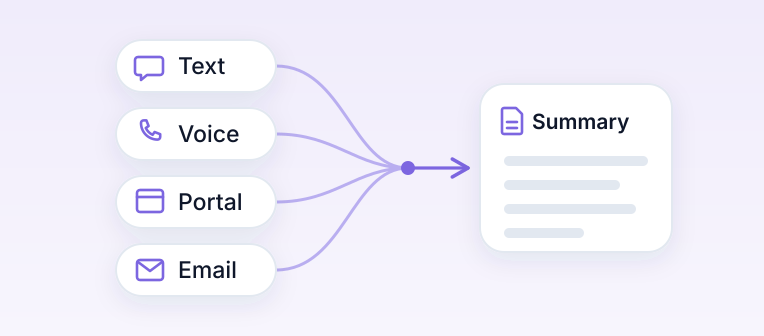
Requests from text, voice, portal and email feeding into one Lumi summary
Same shape every timeText, voice, portal or email, the summary reads the same.
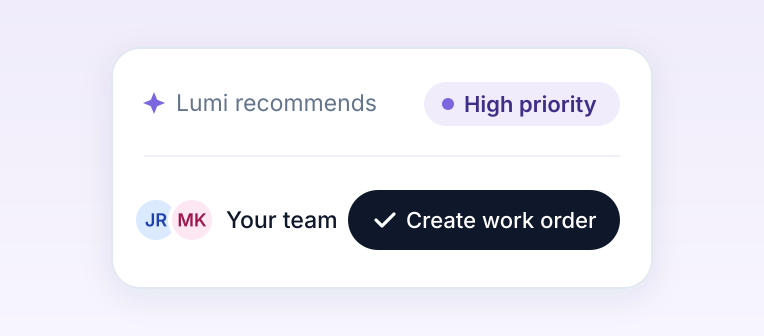
Lumi recommends a high priority and your team creates the work order
Your coordinator stays in chargeLumi recommends a priority. Your team creates the work order.

The summary follows your rules.

What Lumi asks for comes from your settings, so every request arrives the way your team works.

  • Your issue categoriesResidents pick from your own category list.
  • Troubleshooting on or offTurn on Lumi’s guided fixes, or send requests straight to availability.
  • Your days and time windowsThe days, arrival windows and blackout dates residents can choose from.
  • Your entry optionsHow technicians get in, with parking details when you require them.
  • How residents sign inBy address and phone number, or address and last name.
Intake settingsIllustrative
Issue categoriesPlumbingAppliancesElectricalHVAC+ more
Troubleshoot with Lumi
Arrival windowsMorning 8:00 a.m. to 12 p.m.Afternoon 12 p.m. to 4:00 p.m.Evening 4:00 p.m. to 8:00 p.m.
Entry optionsAn adult will be homeDoor codeParking details
Resident sign-inAddress and phoneAddress and last name

Nothing left half done.

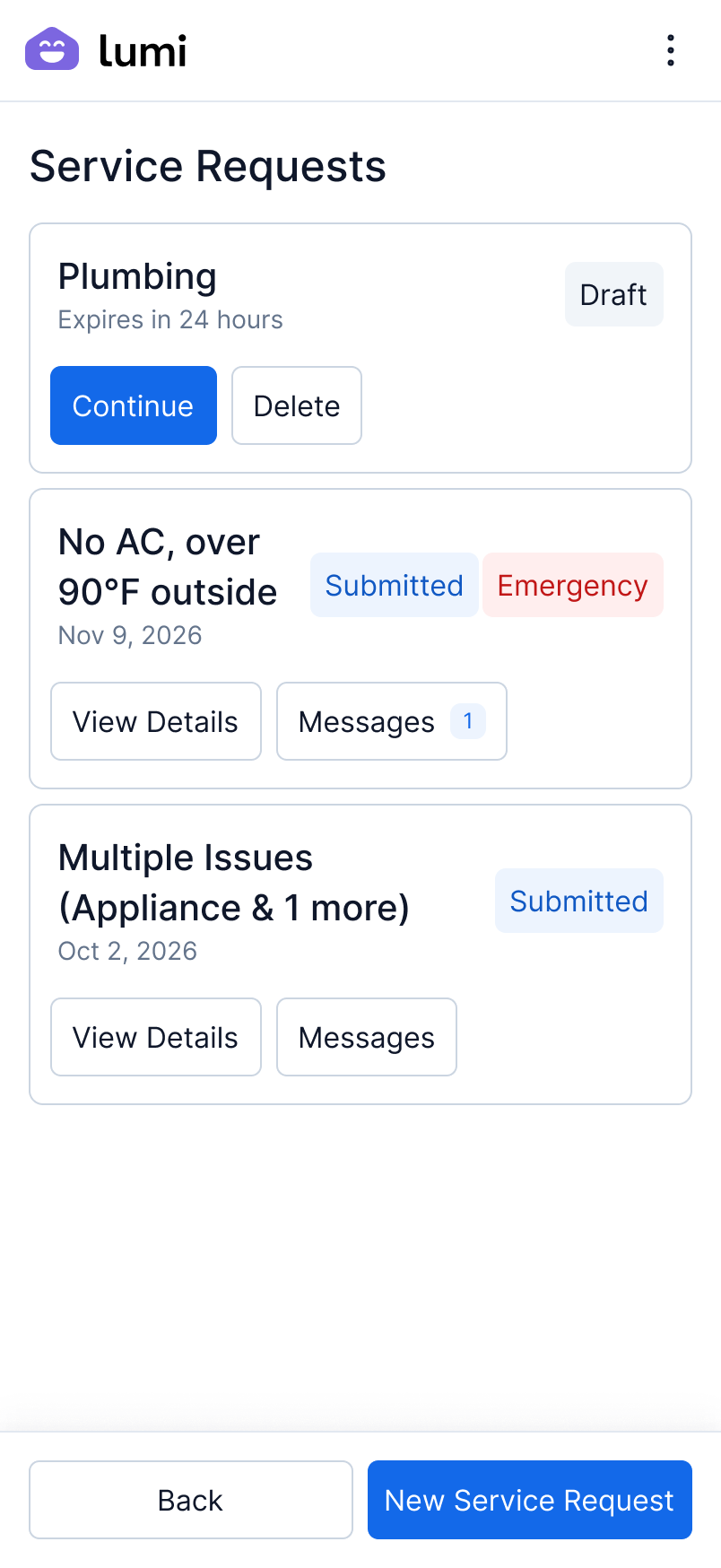
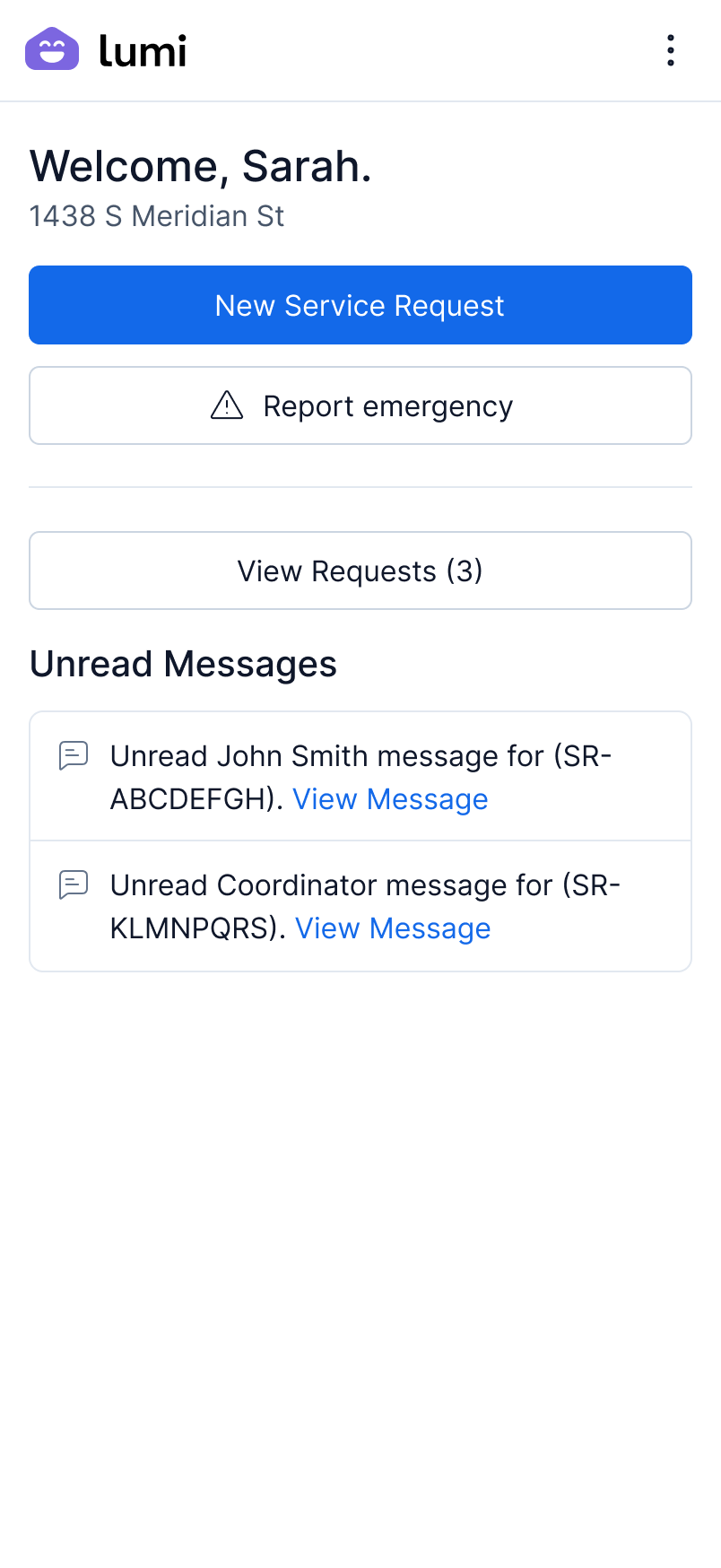
If a resident stops partway, Lumi texts a link back to where they left off. One place holds every request they’ve made, and when you turn chat on, they can message your coordinator about it.

MessagesFrom your property manager
If a resident stops partwayHi Sarah, you started a service request but didn’t finish it. Tap here to continue where you left off: link
Before an unfinished draft closesHi Sarah, your service request draft will be closed automatically if you don’t continue. Complete it here: link

Where the summary lands.

From the resident’s phone to your team.

On the resident’s phone

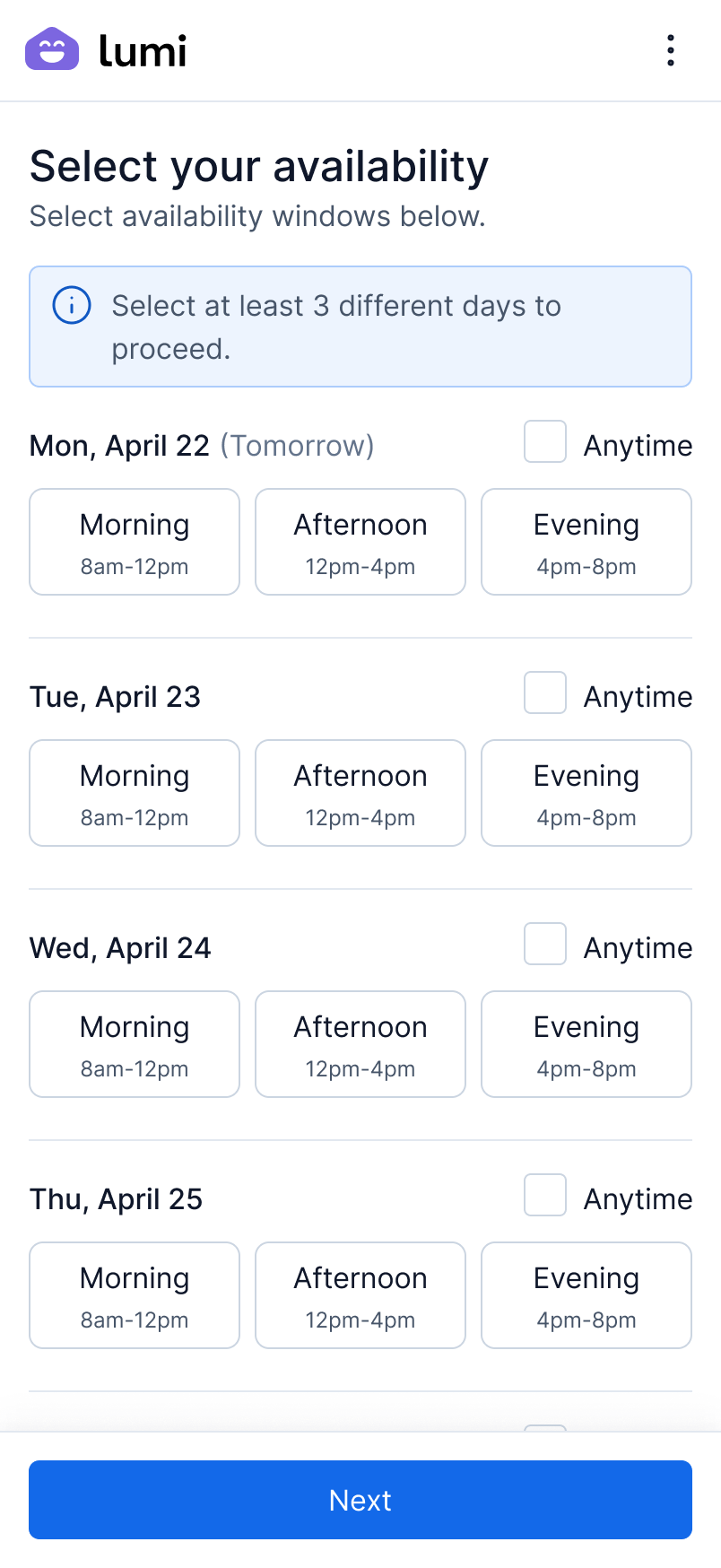
Before it lands, the resident finishes the request: Lumi tries a fix, they pick their times, then review and submit.
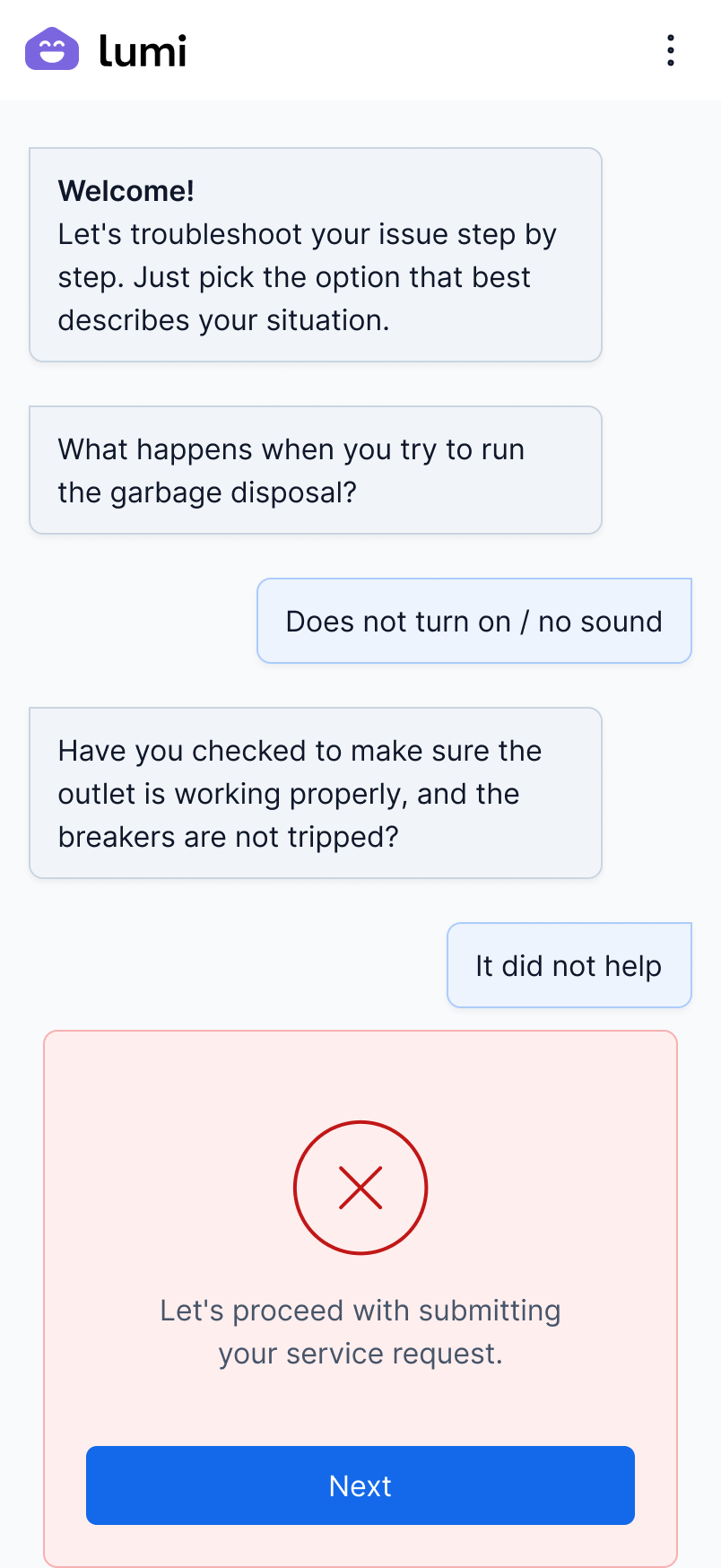
1 · The fix didn’t help

Lumi troubleshooting that did not help, moving on to submit the service request
2 · Pick the times

Lumi availability picker with morning, afternoon and evening windows by day
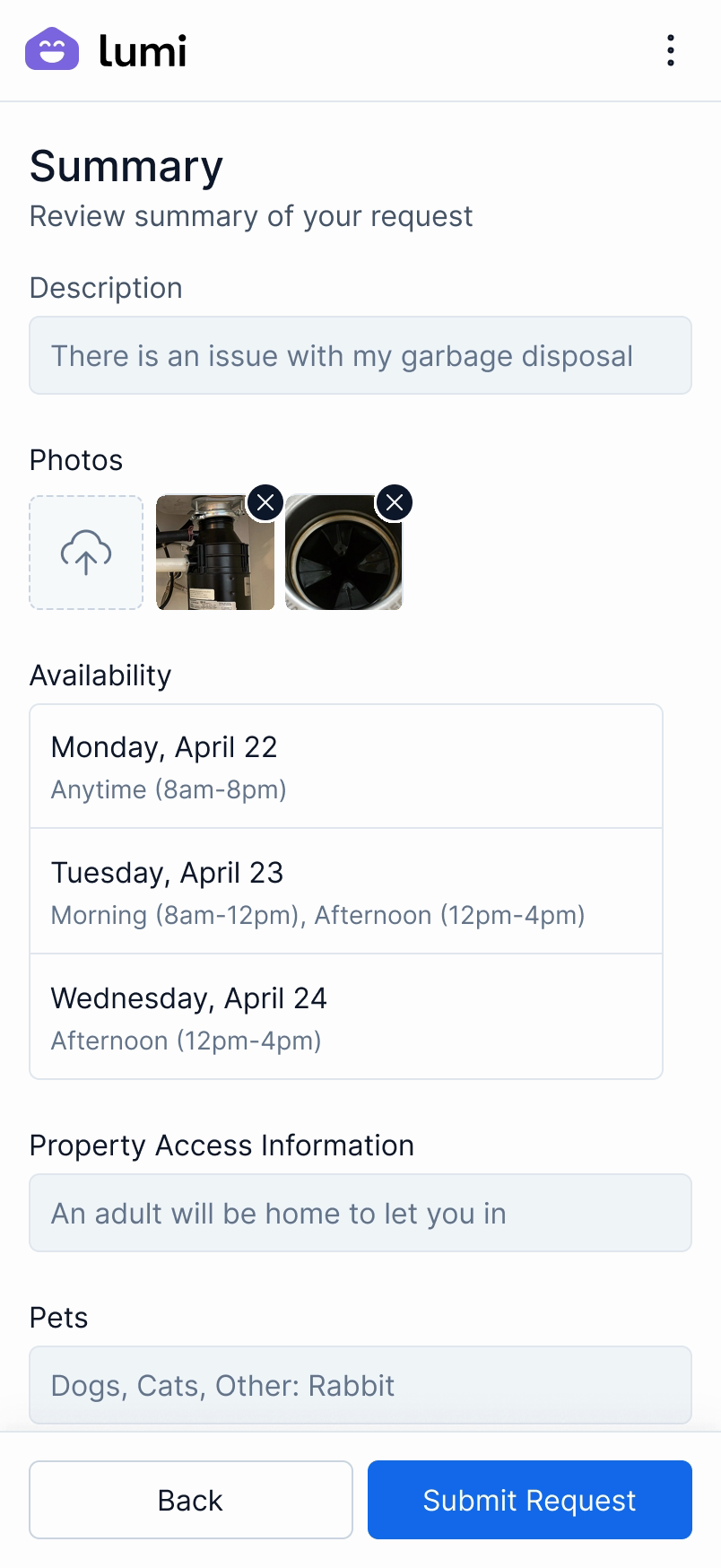
3 · Review and submit

Lumi request summary with description, photos, availability, access information and pets

More on Lumi.

Lumi overviewEvery request, complete at intake. Answers, troubleshoots, triages and summarizes.
Channels & TriageText, voice, portal and email, handled the same way. Four priority levels.

Questions.

Does Lumi create the work order?

Your coordinator creates the work order from the summary.

How many photos can a resident add?

Up to 8 per issue. Lumi can also ask for photos during troubleshooting.

What if the fix works?

The request ends there, and nothing is scheduled. The resident can always submit a new request later.

What does an emergency summary include?

Everything a regular one does, except availability is optional. How to get in is still required.

See Lumi on your own jobs.

Schedule a demo to see how Lumi can work for your business.

Footer Top City Skyline

Property Manager Sign Up

Request More Information

  • This field is for validation purposes and should be left unchanged.
  • The zip code where most of the properties you manage are located
  • We'd love to thank the person that referred you to Lula!